

Automatic breaks
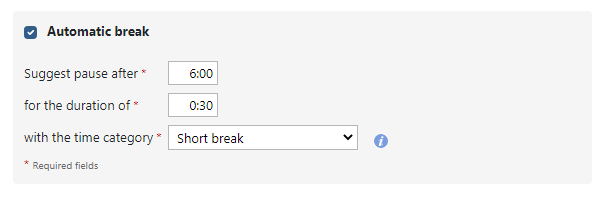
When creating a new time entry, employees are suggested breaks if a set period of time has passed without a break. The automatic break is set up for the respective employee in the Time model tab.
Set up automatic breaks
In the time tracking system under the menu item Administration - Users, select an employee to change: You can then set up the automatic break in the Time models tab.
 Back to Overview